Microsoft released emergency Windows updates: fixed shutdown and Remote Desktop problems from the January patches

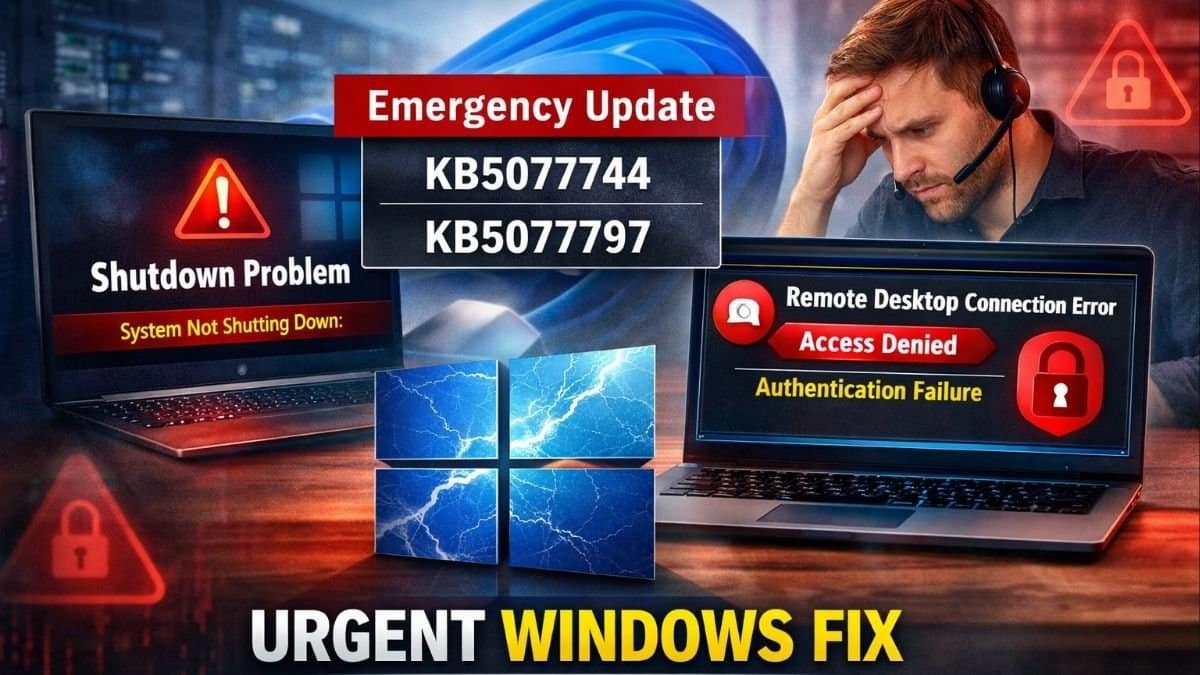
Microsoft released emergency out-of-band updates KB5077744 and KB5077797 on January 17, 2026. These updates fix two big problems caused by the January Patch Tuesday security patches. The problems stopped some Windows 11 PCs from shutting down or hibernating properly. They also blocked Remote Desktop logins for many users. Install the fixes right away through Windows Update to get back to normal.
The shutdown issue hit Windows 11 version 23H2 PCs with Secure Launch turned on, a security feature for boot protection. Those machines would restart instead of powering off or sleeping.
Remote Desktop problems affected Windows 11 versions 25H2, 24H2, and 23H2. The issues also hit some Windows 10 and Server setups. Users saw sign-in failures during authentication. This blocked them from remote work.
KB5077744 covers Windows 11 25H2 (build 26200.7627) and 24H2 (build 26100.7627), fixing Remote Desktop authentication.
KB5077797 targets Windows 11 23H2 (build 22631.6494), resolving both the shutdown/hibernation bug and Remote Desktop issues.
Both updates roll out automatically via Windows Update and include all prior security fixes.
Update: Install Linux Mint!
Easy, fast, reliable.
Worlds apart from that shit by Microsoft.— Aribert Deckers (@aribertdeckers) January 17, 2026
Twitter was flooded with users’ reactions, people seemed frustrated with the issue, and compared it to Linux.
Microslop needs to stop using AI to code windows 11 Jesus Christ it's bad, I'd move over to Linux if it was possible but I need windows 11 on my laptop for my education. I really hope SteamOS makes headway, ill need that on my gaming PC soon.
— Asagron | Andrew (@Asagron) January 17, 2026
One user mocked that Microsoft needs to stop using AI to code Windows 11, and he would have switched to Linux if education through the laptop was not the problem.
My mouse starts randomly acting like it's moving in syrup after the update, rebooting fixes it. pic.twitter.com/p1pZK2drN8
— Geir-Arne Holum (@geirarneholum) January 17, 2026
People also made fun of Microsoft by creating their logo in which “Microslop” is used instead of Microsoft.
How to Install
- Open Settings, go to Windows Update, and hit Check for updates. The
- patches should appear and install on their own.
- You can also grab them from the Microsoft Update Catalog if needed.
- Restart your PC after to make sure everything works.
Remote Desktop failures cut off remote workers and businesses from their machines, causing real headaches during the workweek.
This follows other recent Windows 11 glitches like Task Manager and File Explorer bugs, raising questions about testing.
Microsoft acted fast with these out-of-band patches to keep people productive.