Close Menu
GizTimes
    Facebook X (Twitter) Instagram
    Facebook X (Twitter) Instagram
    GizTimesGizTimes
    Source on Google
    • Home
    • Tech News
    • AI
    • Gadgets
    • Cybersecurity
    • Auto
    • Cars
    • Games
    GizTimes
    Home » Microsoft released emergency Windows updates: fixed shutdown and Remote Desktop problems from the January patches
    Tech News

    Microsoft released emergency Windows updates: fixed shutdown and Remote Desktop problems from the January patches

    Saurabh GuptaBy Saurabh GuptaJanuary 19, 2026No Comments2 Mins Read
    Facebook Twitter Pinterest Telegram LinkedIn Tumblr WhatsApp Email
    Microsoft released emergency Windows updates
    Microsoft released emergency Windows updates
    Share
    Facebook Twitter LinkedIn Pinterest Telegram Email

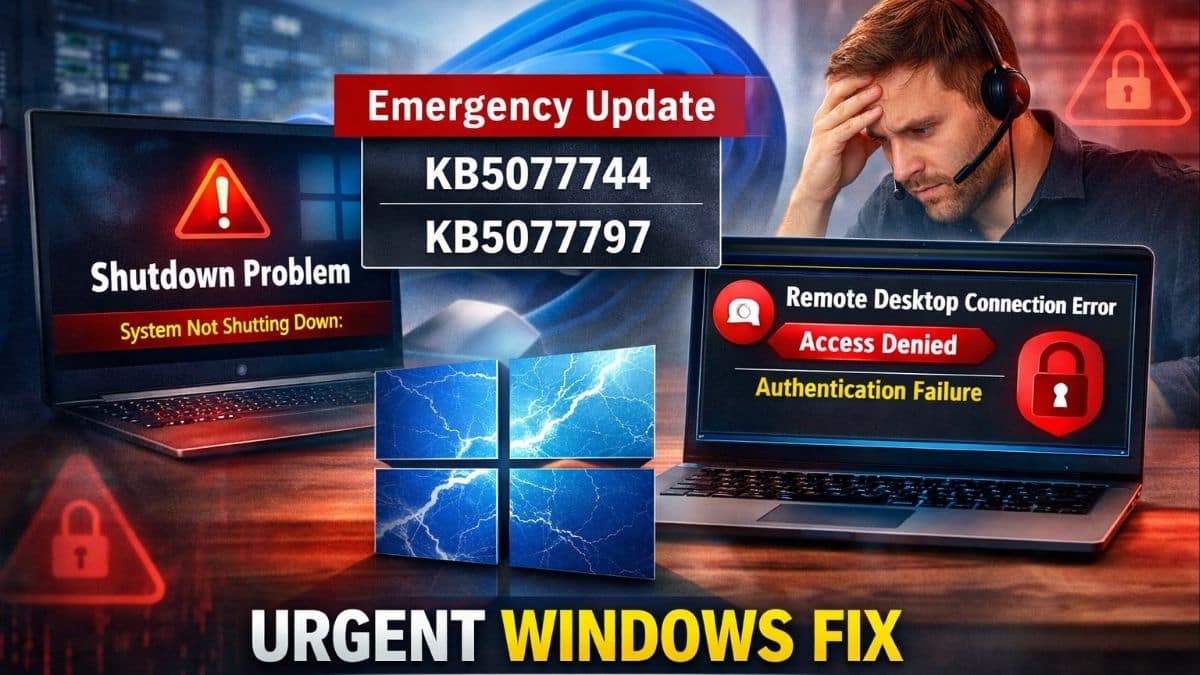
    Microsoft released emergency out-of-band updates KB5077744 and KB5077797 on January 17, 2026. These updates fix two big problems caused by the January Patch Tuesday security patches. The problems stopped some Windows 11 PCs from shutting down or hibernating properly. They also blocked Remote Desktop logins for many users. Install the fixes right away through Windows Update to get back to normal.​

    The shutdown issue hit Windows 11 version 23H2 PCs with Secure Launch turned on, a security feature for boot protection. Those machines would restart instead of powering off or sleeping.​

    Remote Desktop problems affected Windows 11 versions 25H2, 24H2, and 23H2. The issues also hit some Windows 10 and Server setups. Users saw sign-in failures during authentication. This blocked them from remote work.

    KB5077744 covers Windows 11 25H2 (build 26200.7627) and 24H2 (build 26100.7627), fixing Remote Desktop authentication.​

    KB5077797 targets Windows 11 23H2 (build 22631.6494), resolving both the shutdown/hibernation bug and Remote Desktop issues.​

    Both updates roll out automatically via Windows Update and include all prior security fixes.​

    https://x.com/aribertdeckers/status/2012605306577035359

    Twitter was flooded with users’ reactions, people seemed frustrated with the issue, and compared it to Linux.

    https://x.com/Asagron/status/2012571754376446452

    One user mocked that Microsoft needs to stop using AI to code Windows 11, and he would have switched to Linux if education through the laptop was not the problem.

    https://x.com/geirarneholum/status/2012566347830411379

    People also made fun of Microsoft by creating their logo in which “Microslop” is used instead of Microsoft.

    How to Install

    • Open Settings, go to Windows Update, and hit Check for updates. The
    • patches should appear and install on their own.​
    • You can also grab them from the Microsoft Update Catalog if needed.​
    • Restart your PC after to make sure everything works.​

    Remote Desktop failures cut off remote workers and businesses from their machines, causing real headaches during the workweek.​

    This follows other recent Windows 11 glitches like Task Manager and File Explorer bugs, raising questions about testing.​

    Microsoft acted fast with these out-of-band patches to keep people productive.

    Read More:

    • Beats Black Friday: Apple Watch SE 3 hits rock-bottom Aussie price of AU$337—smartwatch steal!
    • Quobly Joins TNO to Perfect Silicon Spin Qubit Manufacturing
    • Elon Musk Hits OpenAI and Microsoft with $134 Billion Damage Claim
    Share. Facebook Twitter Pinterest LinkedIn Tumblr Email
    Saurabh Gupta
    • Facebook
    • X (Twitter)
    • LinkedIn

    As the Founder of GizTimes, Saurabh Gupta is a dedicated tech enthusiast, worked 3 years at karekaise.in and further continued his journey as a content writer at Asportsn.com. Beyond his leadership role, Saurabh remains deeply connected to the core of his passion, regularly contributing as an author to share interesting insights to the tech community.

    Related Posts

    Architecting Autonomous Personal Computing: NVIDIA RTX Spark and Windows in the Agentic AI Era

    June 4, 2026

    Bentley Continental GT S: Performance Dialed Through Software, Positioned Through Feel

    May 6, 2026

    Intel Redefines the AI PC Market with a Split Strategy: Affordable Efficiency vs Premium Ambition

    April 17, 2026

    Oppo Find N6 vs Galaxy Z Fold7: Foldable Focusing on Long-Term Capability over Longevity

    April 14, 2026

    Amazon to End Support for Legacy Kindle and Fire Devices on May 20, 20264

    April 10, 2026

    Steam Gaming Now Available on Apple Vision Pro, and It Is Surprisingly Great

    April 9, 2026
    Leave A Reply Cancel Reply

    Latest Post
    AI

    Google Flow and the Rise of the AI Filmmaking Operating System

    June 5, 2026

    ANUPPUR, India (GizTimes) — The first batch of AI video tools aimed to make videos…

    Tech News

    Architecting Autonomous Personal Computing: NVIDIA RTX Spark and Windows in the Agentic AI Era

    June 4, 2026

    ANUPPUR, India (GizTimes) — For over four decades, personal computers followed a basic rule: humans…

    Cars

    Lotus Emira 420 Sport: Why Lotus Chose Optimization Over Reinvention in Its Fight Against the Porsche GT4 RS

    June 3, 2026

    HYDERABAD, India (GizTimes) — The Lotus Emira 420 Sport arrives as the most focused version of…

    Gadgets

    GIGABYTE AORUS ELITE vs Alienware AW3225QF: The Future-Proof Gaming Monitor vs the Perfect Curved OLED Experience

    June 2, 2026

    HYDERABAD, India (GizTimes) —The premium gaming monitor market is no longer fighting over resolution alone.…

    Cars

    Tesla Model 3 vs BMW i4: Why Software, Range, and Charging Infrastructure Matter More Than Luxury Features

    May 31, 2026

    HYDERABAD, India (GizTimes) — The refreshed Tesla Model 3 arrives with a familiar mission: deliver…

    AI

    How Madgicx Is Reshaping Digital Advertising Through AI Automation

    May 31, 2026

    ANUPPUR, India (GizTimes) — Advertising operations traditionally relied on the involvement of human operators in…

    Gadgets

    Google Fitbit Air vs Oura Ring 4: The Future of Wellness Depends on Where You Wear the Sensor

    May 31, 2026

    HYDERABAD, India (GizTimes) —The wearable market is moving in two completely different directions at once.…

    AI

    AI Voice Fraud Has Skyrocketed: How Voice Cloning Compromises the Reliability of Voice as a Security Measure

    May 31, 2026

    ANUPPUR, India (GizTimes) —Voice has traditionally been the cornerstone of trust when contacting friends or…

    Cars

    How the Hybrid Porsche 911 Carrera 4 GTS Uses Technology to Reinvent Performance Without Losing Its Identity

    May 30, 2026

    HYDERABAD, India (GizTimes) — The arrival of the Porsche 911 Carrera 4 GTS marks one…

    Games

    Modern Warfare 4’s Korean War Story and Current-Gen Focus Signal a Major Shift From MW3

    May 30, 2026

    HYDERABAD, India (GizTimes) — Activision and Infinity Ward have officially revealed Call of Duty: Modern Warfare…

    GizTimes

    Giztimes is a technology information site that covers tech-related news and specs, but it also concentrates on conveying the impact that technological breakthroughs have on people’s lives. We provide our readers with comprehensive, data-based, and hand-picked information about the latest trends and innovations in the field of artificial intelligence, cybersecurity, gadgets, automobiles, gaming, consumer tech, and digital technology in general. Our goal is to publish high-caliber analytics that will be of use to professionals and regular readers alike.

    Pages
    • Home
    • About Us
    • Contact Us
    • Disclaimer
    • Editorial Ethics
    • Ethics & Standards
    • Our Team
    • Ownership & Funding Disclosure
    • Publication Description
    • Publisher & Founder Profile
    Policy Pages
    • Corrections Policy
    • Community Guidelines
    • DMCA Copyright Policy
    • Diversity & Inclusion Policy
    • Editorial Policy
    • Fact-Checking Policy
    • Privacy Policy
    • Terms and Conditions
    Facebook X (Twitter) Instagram YouTube LinkedIn WhatsApp Telegram RSS
    © 2026 GizTimes. All Rights Reserved

    Type above and press Enter to search. Press Esc to cancel.