Google Email Address Change Feature: No Need Throwaway Your Old Emails

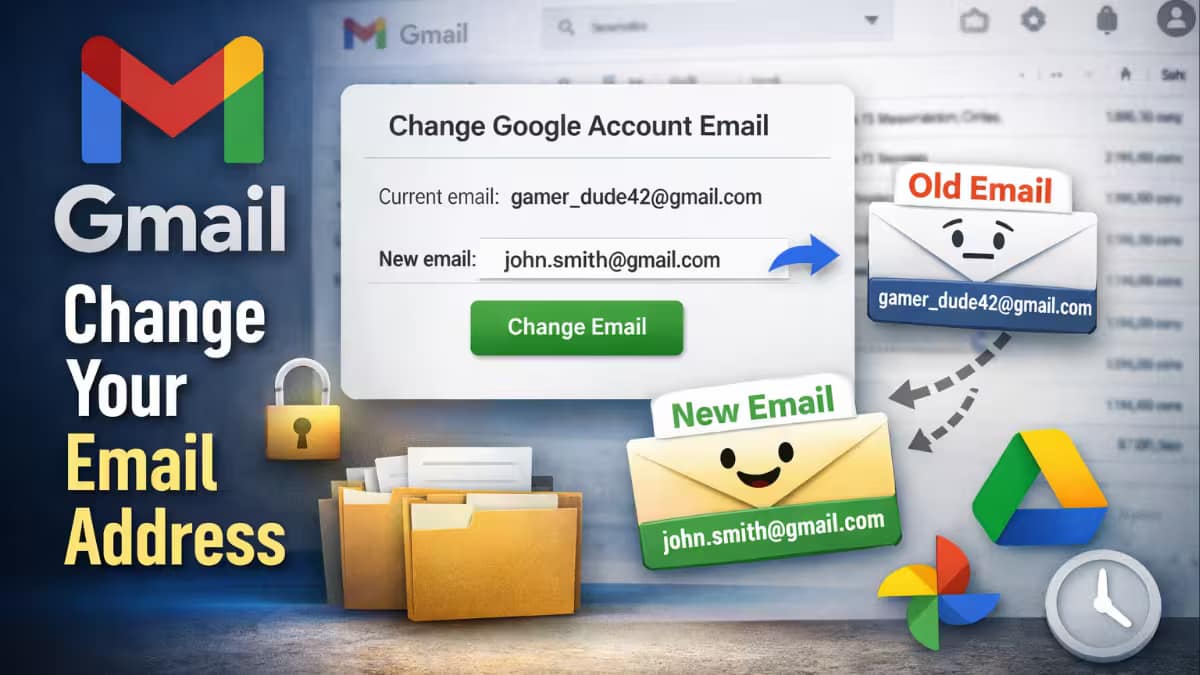
Google is testing a new option that may allow Gmail users to change their main email address without creating a new account. This is something users have wanted for years, because Gmail normally does not let people change their address once it is created. At the moment, this option is only visible to a small number of users, and Google has not said when it will be available to everyone.
If you see this option, you can switch your main @gmail.com address. All your emails, Drive files, Photos, and account history stay the same. Your old email works as a backup name, so new messages to it still come in, and you can sign in with either one. Google limits how often this change can be made, and some third-party apps or services may ask users to sign in again after the update. This is not the same as using dots or plus signs in Gmail, because it actually changes the username.
🚨 Gmail Big UPDATE
Google Is Rolling Out A Feature To Let You CHANGE Your Gmail Address Without Loosing Data
✅ Old Address Becomes An Alias (You Still Get Mail)
✅ Once Per Year 3 Times Total
✅ Rolling Out GraduallyFinally Time To Ditch That Embarrassing Childhood Email 🥹 pic.twitter.com/tX52Xqqa3k
— Sufiyan Technology (@RealSufiyanKhan) December 25, 2025
One user on Twitter posted that “Finally Time To Ditch That Embarrassing Childhood Email” shows how desperately people wanted this feature in Gmail. The embarrassing Childhood Email was the issue for many users; it is now gonna be resolved.
been waiting for this for 20 years….
— α (@deeperflows) December 26, 2025
Another user retweeted and “said been waiting for this for 20 years….” shows the need of this feature.
Change to kar denge
Lekin pan card me same gmail hai
Name change karne se to tension ho jayega— MD SHAHID (@MdShahidAfridii) December 25, 2025
A user was tense about whether he needed to change the Email address in all the legal documents, if he changes it on Gmail? The answer is “no” because your previous email address will work as your alternate email address. Google keeps your old address as an alias instead of releasing it back into the system cause it can lead to the misuse of someone’s identity.
This update is important because until now, users had no official way to replace an old or unprofessional email address without starting over and losing their account history. If Google releases this feature to everyone, you can update your email name without losing your account. Right now, Google tests it with a few people and has no set date to launch it widely.
This flexibility in username shows the change in google policy to treat email address as a core identity. Google is trying to separate identity from username.
The Feature can be seen as a solution to the problem of account abandonment, where millions of users create Emails and do not use them because the username is embarrassing. By letting users change their addresses, Google is trying to hold their old and mature users in a single account. It will confine the user to using the services of any other Email providers.
How to change the Email address
To change the Email address google has created a support page in which the instruction or guide to change the Email address is given, below you can check the summarize steps :-
- Open your computer and visit myaccount.google.com/google-account-email. Sign in if Google prompts you.
- Click Personal info at the top left.
- Next, choose Email, then tap Google Account email.
- If you spot Change Google Account email, click it. (Skip if missing—Google blocks changes for that account.)
- Type your desired new email—ensure no one else uses it or links to a deleted account. Hit Change email, confirm with Yes, change email, and follow screen steps.
- Your new email now serves as the main one; the old acts as an alternate.
Read More:
- Bungie confirms Marathon launches March 5, 2026 on Xbox Series X|S, PlayStation 5, and PC via Steam: Price details & how to Preorder
- Microsoft released emergency Windows updates: fixed shutdown and Remote Desktop problems from the January patches
- Beats Black Friday: Apple Watch SE 3 hits rock-bottom Aussie price of AU$337—smartwatch steal!