

ANUPPUR, India (GizTimes) —Typically, students use ChatGPT to answer their questions, solve assignments, or summarize notes. The GPTs are completely different in nature. In contrast to repeated attempts to explain the same thing, GPTs come preconfigured for a particular task or workflow. But what is more important, it changes the speed of students transitioning from searches to actual studying. GPTs are customized Al assistants created based on instructions, knowledge, and capabilities chosen by the user.
The issue here is not whether GPTs are useful or not. The question is whether GPTs make enough of a difference to transform studying from inefficient to efficient.
Why GPTs Change How Students Learn
One of the typical problems with traditional ChatGPT is the necessity to explain contexts, format preferences, level of difficulty, and desired outputs multiple times. With GPTs, such a necessity gets removed due to specialization embedded in them. According to OpenAI, GPTs are customized AI assistants created with focus on consistent and repeatable work.
Therefore, students spend less time configuring AI and more time studying.
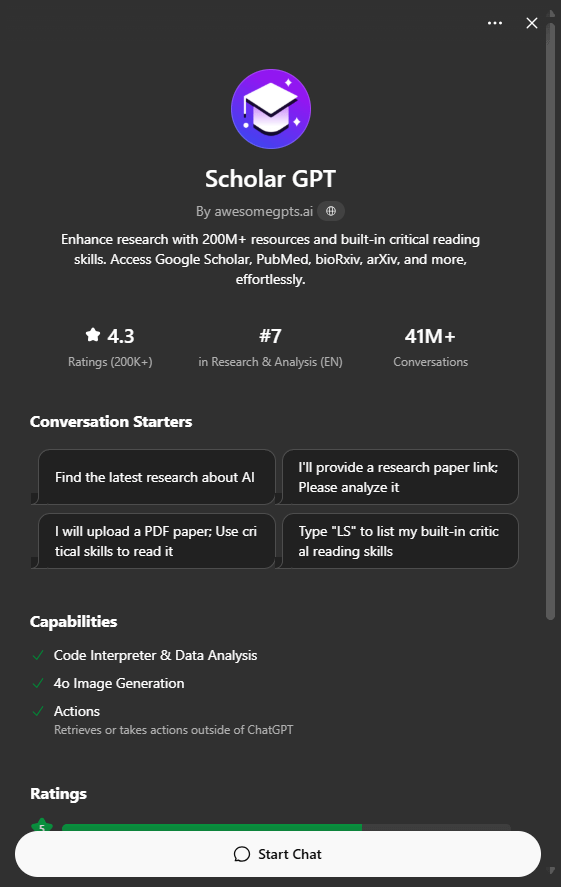
1. Scholar GPT — Best for Research and Academic Work
Research can be one of the most time-consuming parts of studying. Reading papers, comparing studies, and understanding technical language takes effort.
Scholar GPT is built around those workflows. It can summarize academic papers, compare findings, and help break down difficult research into more understandable explanations.
For a student writing a dissertation or literature review, that can save hours.
Its biggest strength isn’t summarization—it’s making academic literature more accessible.
Best for:
- Research projects
- Dissertations
- Science assignments
- Medical studies
- Literature reviews
Limitation:
AI-generated interpretations can still be inaccurate, so important findings should always be verified.
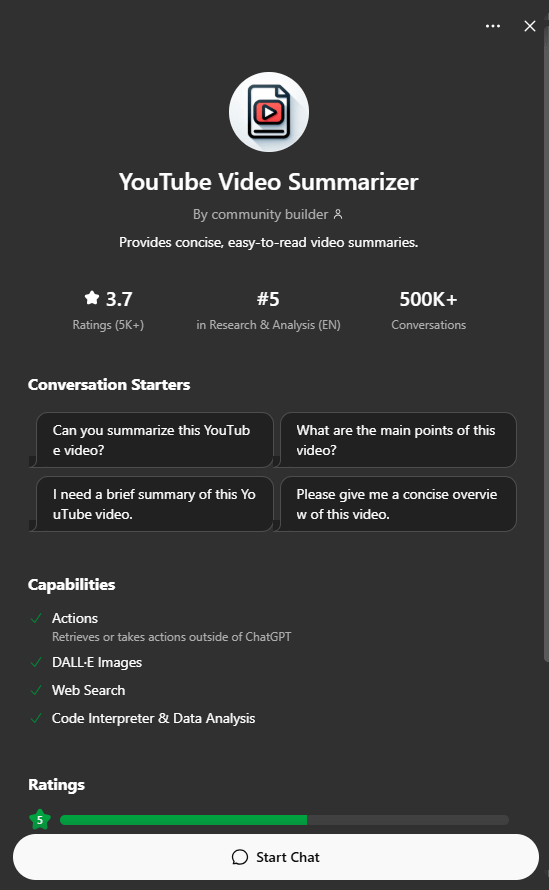
2. YouTube Video Summarizer — Best for Learning Faster
Educational videos are useful—but they’re often long.
When lectures stretch beyond an hour, students may only need the key concepts, formulas, or conclusions. YouTube Video Summarizer condenses content into major takeaways.
The benefit goes beyond saving time.
Instead of rewatching full lectures before exams, students can revisit the essentials quickly.
Best for:
- Exam preparation
- Revising lectures
- Online courses
- Competitive exams
Limitation:
Visual demonstrations or subtle explanations may get lost in summaries.
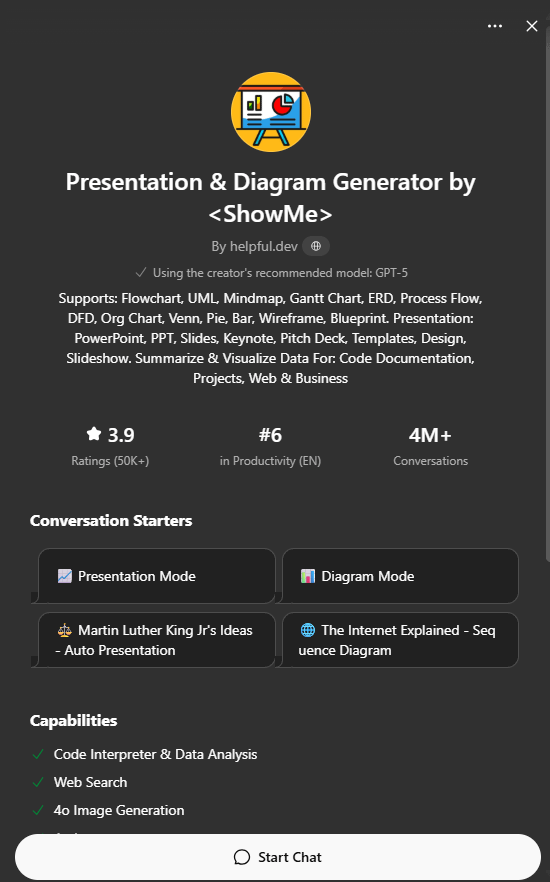
3. Presentation & Diagram Generator — Best for Assignments and Visual Learners
Some concepts make more sense visually than through text.
Presentation & Diagram Generator helps create slides, diagrams, and flowcharts that turn information into something easier to understand.
There’s another advantage: organizing information visually often improves understanding itself.
Building a presentation forces structured thinking.
Best for:
- Seminars
- Project work
- Class presentations
- Visual learners
Limitation:
Generated outputs usually need editing or refinement.
4. Grammar Checker — Best for Improving Academic Writing
Strong ideas can lose impact when grammar and sentence structure get in the way.
Grammar Checker focuses on improving clarity, fixing errors, and strengthening writing quality.
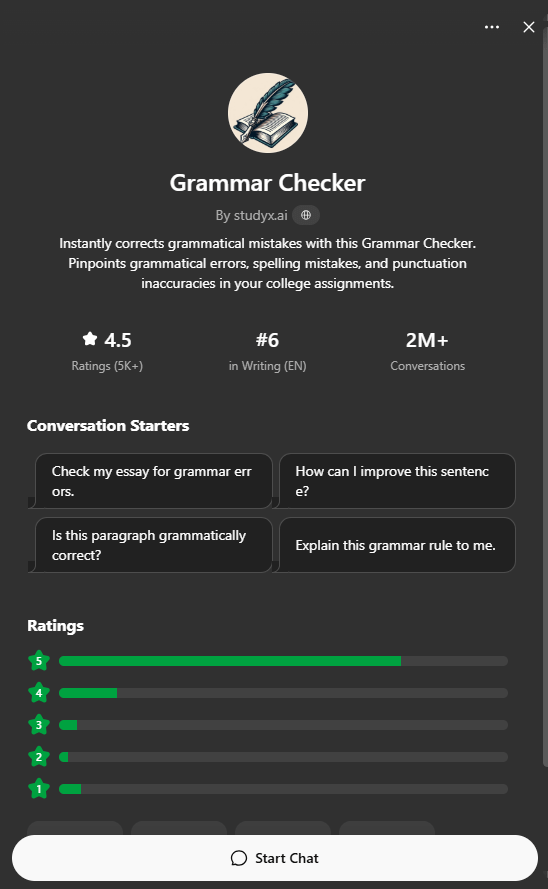
Its role isn’t creating knowledge—it’s helping students communicate knowledge more effectively.
That difference matters in academic work.
Best for:
- Essays
- Reports
- Assignments
- Emails
Limitation:
Over-editing may change the writer’s intended style or tone.
5. AI Humanizer — Best for Editing and Readability
AI-generated drafts often sound repetitive or overly polished.
AI Humanizer focuses on improving readability and making writing feel more natural while preserving meaning.
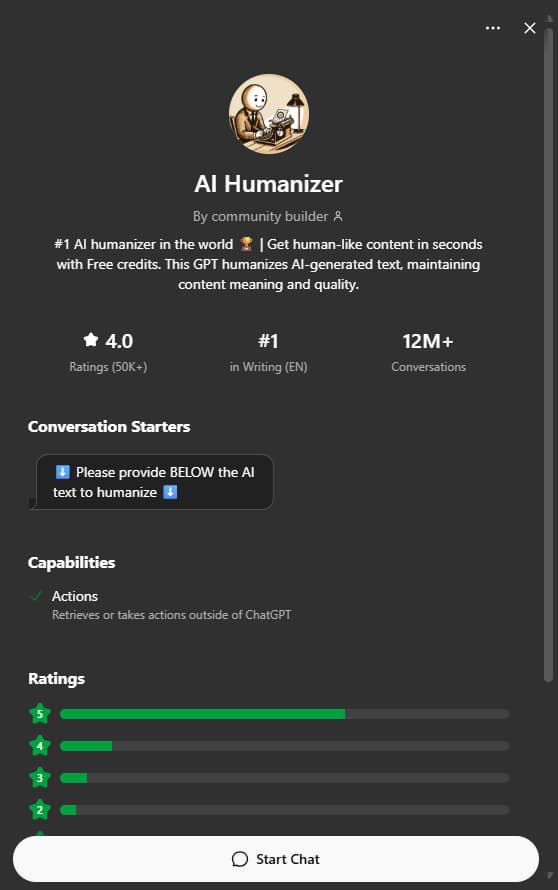
Its educational value may be less direct than research or study tools, but it can help polish drafts and improve clarity.
Best for:
- Editing drafts
- Improving readability
- Simplifying complex writing
Limitation:
Claims about reliably bypassing AI detection should be treated carefully. Results vary, and readability improvements don’t guarantee anything about detection systems.
Quick Comparison
| GPT | Main Function | Biggest Benefit | Best Use Case |
|---|---|---|---|
| Scholar GPT | Academic research | Faster understanding of literature | Research assignments |
| YouTube Video Summarizer | Lecture summarization | Speeds up revision | Exam prep |
| Presentation & Diagram Generator | Visual content creation | Better organization of ideas | Presentations |
| Grammar Checker | Writing improvement | Clearer academic writing | Essays & reports |
| AI Humanizer | Text refinement | Better readability | Editing drafts |
The Bigger Shift: GPTs May Become Part of Study Infrastructure
What’s interesting is that none of these GPTs replace studying.
Instead, they reduce the work around studying:
- Research friction → Scholar GPT
- Lecture friction → Video Summarizer
- Presentation friction → Diagram Generator
- Writing friction → Grammar Checker
- Editing friction → AI Humanizer
In other words, GPTs are becoming less like “answer generators” and more like workflow shortcuts.
Students who spend less time on repetitive tasks may have more time to focus on understanding concepts.
That could become one of AI’s biggest long-term effects on education.
Why This Matters
OpenAI positions GPTs as specialized assistants built around instructions, tools, and knowledge sources. The larger implication is that education may gradually move toward collections of purpose-built AI helpers rather than one universal chatbot.
For students, choosing the right GPT may become almost as important as asking the right question.
The challenge, however, will be making sure these tools support learning—not replace critical thinking.
